Setting up a home workspace that promotes both productivity and comfort is essential, especially as many people continue to work from home. A well-designed work area can help reduce stress, increase focus, and make your workday more enjoyable. Whether you have a dedicated room or a small corner, there are simple ways to create a relaxing environment tailored to your needs.
Choose the Right Location
Find a Quiet Spot
Select a space in your home where distractions are minimal. Ideally, this will be away from high-traffic areas like the kitchen or living room.
Consider Natural Light
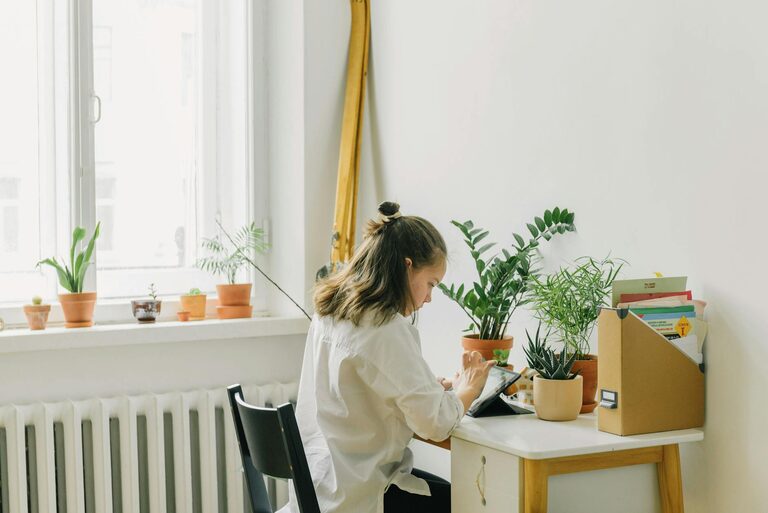
Position your desk near a window if possible. Natural light boosts mood and energy levels, which helps you stay alert and focused.
Think About Ventilation
A well-ventilated space keeps the air fresh and prevents stuffiness. Open windows from time to time or use a small fan or air purifier for better airflow.
Invest in Comfortable Furniture
Ergonomic Chair
A supportive chair with adjustable height and lumbar support is crucial. It prevents back pain and helps maintain good posture during long hours at your desk.
Suitable Desk
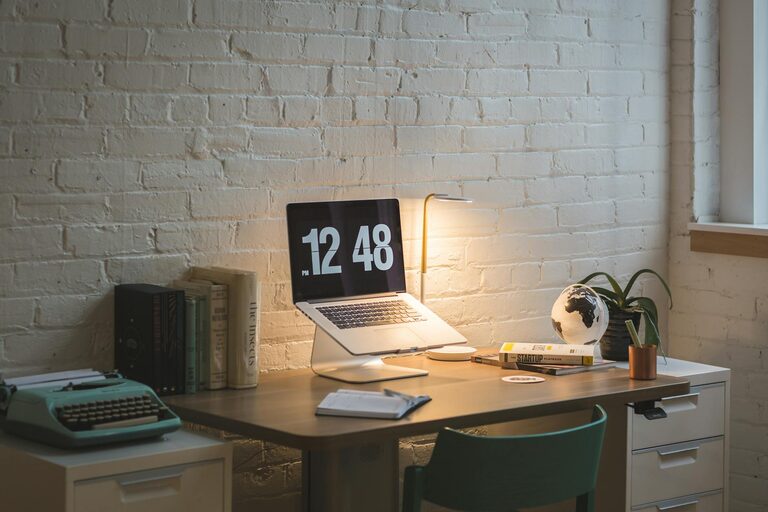
Choose a desk that fits your work essentials and allows you to keep your workspace organized. Adjustable desks that let you alternate between sitting and standing are also worth considering.
Organised Storage
Use shelves, drawers or organisers to keep your desk free from clutter. A tidy space helps reduce stress and distractions.
Set Up Proper Lighting
Use Soft, Warm Lighting
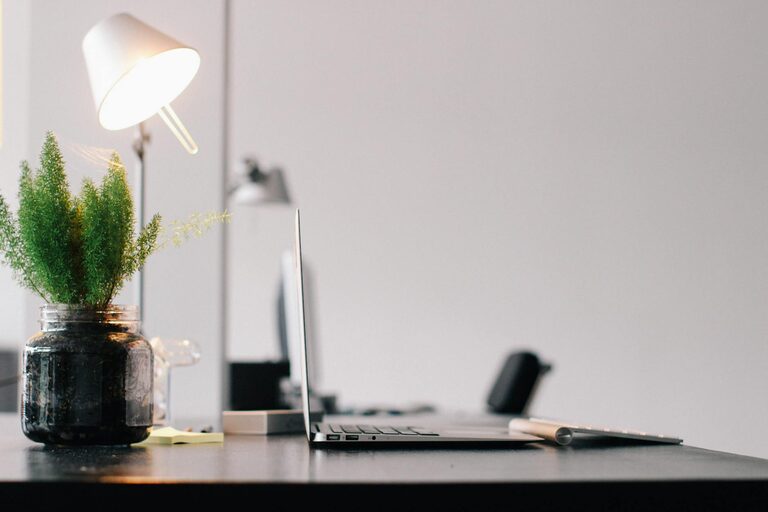
If natural light is limited, opt for soft, warm lighting instead of harsh fluorescent bulbs. Desk lamps with adjustable brightness are great for this purpose.
Avoid Screen Glare
Position your computer screen to avoid glare from windows or lights. This reduces eye strain and helps maintain focus.
Personalise Your Workspace
Add Plants
Indoor plants improve air quality and add a calming touch. Choose low-maintenance species like succulents or spider plants.
Use Calming Colours
Decorate your space with colours known for their relaxing effects, such as soft blues, greens, or neutrals.
Include Personal Items
Photos, artwork or meaningful objects can create a more inviting and comfortable atmosphere without causing distraction.
Minimise Noise
Use Noise-Cancelling Headphones
If you can’t avoid background noise, noise-cancelling headphones can help you concentrate better.
Play Soft Background Music
Some people find ambient music or nature sounds helpful for focus and relaxation. Experiment to see what works best for you.
Manage Cables and Technology
Keep Cables Tidy
Use clips or cable organisers to prevent tangles and mess. This helps maintain a neat workspace.
Use Reliable Technology
Ensure your devices are updated and functioning properly. Technical issues can disrupt your workflow and cause frustration.
Establish Routine and Boundaries
Define Work Hours
Set specific times to start and finish work. This helps you separate work life from home life and reduce burnout.
Take Regular Breaks
Short breaks improve concentration and reduce fatigue. Use this time to stretch, hydrate, or get some fresh air.
Limit Distractions
Turn off non-essential notifications and create a “do not disturb” sign if needed, especially if you share your home.
Maintain Your Workspace
Daily Tidying
Spend a few minutes each day organising your desk and clearing any clutter.
Regular Deep Cleaning
Clean your workspace weekly, including dusting surfaces and disinfecting your keyboard and mouse.
Review and Adjust
Periodically assess your workspace setup. Small changes can help improve comfort and productivity over time.
—
Creating a relaxing home workspace doesn’t require expensive equipment or a full room makeover. By choosing the right spot, keeping your area comfortable and personalised, and managing distractions, you can enjoy a more productive and enjoyable working day. Remember, your workspace should support both your work tasks and your wellbeing, so take the time to make it feel just right for you.